


【DDR3 RAM 32GB】 32GB (4X8GB) PC3-12800U DDR3-1600 UDIMM 2Rx8 DIMM RAM DDR3 8GB 1600MHz SDRAM 240-Pin 1.5V CL11 Non-ECC Desktop PC Memory Kit
Sale price $16.99Product description
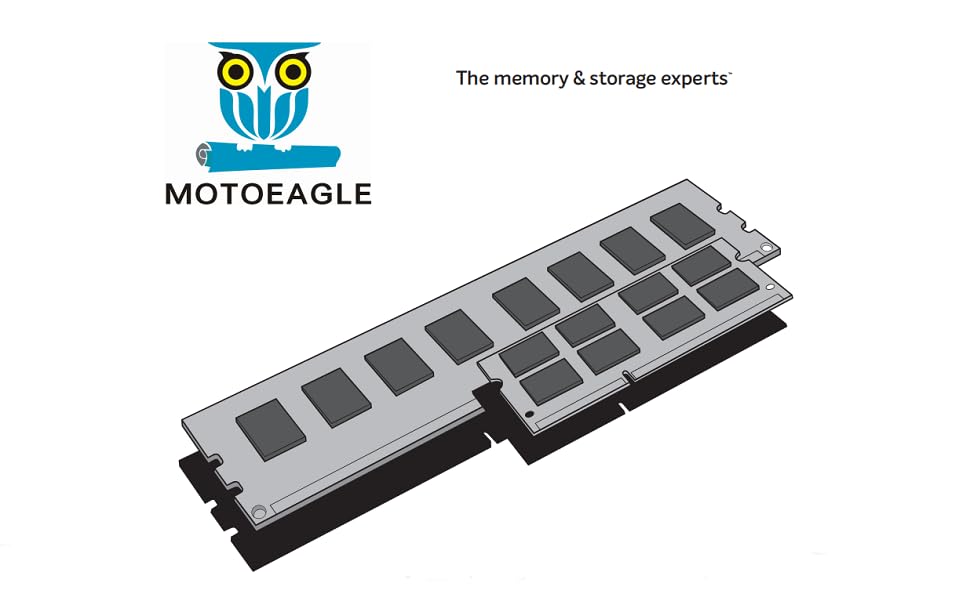
The fast and easy way to improve your desktop computer's performance
There’s an easy cure for a slow computer: more memory. Designed to help your system run faster and smoother, Motoeagle Desktop Computer Memory is one of the easiest and most affordable ways to improve your system’s performance. Load programs faster. Increase responsiveness. Run data-intensive applications with ease, and increase your desktop computer's multitasking capabilities.

Are You Still Troubled by These?
- Video loading is slow
- Run the program error
- The game is not smooth
- Work is slow

The fast, easy way to improve your desktop computer's performance
- Make everything on your computer faster
- Multitask with ease
- Maximize the value of your system

Why choose Motoeagle?
- Quality assured.
- Immediate and reliable service.
- With strong compatibility and high stability.

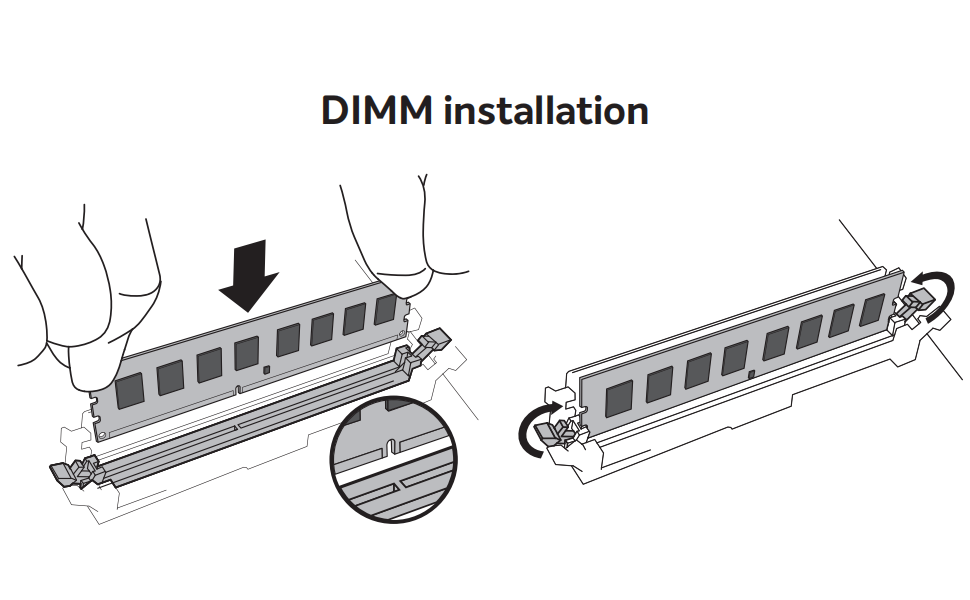
Easy to install
- No computer skills required.
- With just a screwdriver, and a few minutes of time, you can install memory.
Helpful hints and tips for troubleshooting:
If your system won't boot, check the following:
1. If you receive an error message or hear a series of beeps, the system may not recognise the new memory. Remove and reinstall the modules to ensure they are securely seated in the slots.
2. If your system won't boot, check all the connections within your computer. It's easy to bump a cable and pull it out of the connector, disabling devices like your hard drive or CD-ROM. If your system still does not reboot, please contact Motoeagle Technical Support.
3. When you restart your system, you may see a message asking you to update your configuration settings. Upgrading memory requires computer system support as a prerequisite. If the system version is too low, the memory may not be recognised or may not be able to boot after installation.
4. If a memory mismatch message appears, follow the instructions to enter the Setup menu, and then select Save & Exit. (This is not a mistake – some systems need to do this to update system settings.)
5. If it doesn't work on your devices, please use eraser to wipe the metal parts of the RAM's two sides. because of the long shipping, it might be oxidation. please wipe it first and try it again.
6. Warm reminder: this is ddr2 ram for desktop, can not compatible with laptop.