Redragon S101M-KS Gaming Keyboard and Mouse Wireless with Tri-Mode, RGB Keyboard and 4800 DPI Gaming Mouse, 10 Independent Multimedia Keys for Wins, PC, Computer, Wireless S101 Ideal for Gamer

Sale price $40.01
/
Shipping calculated at checkout.

Only 30 items in stock!

Product description

Wireless Gaming Keyboard and Mouse
Gaming Keyboard and Mouse
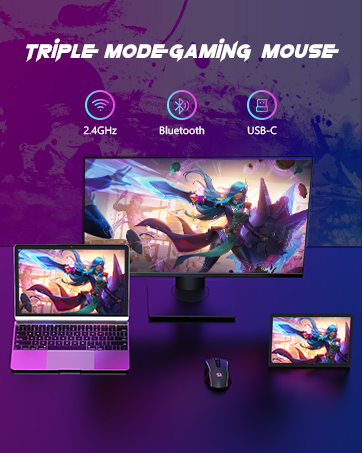
Gaming Mouse
Gaming Keyboard and Mouse
  • Step 1: Visit the official Redragon website: Redragon.com

    Step 2: Click the “Downloads” section, search for the model “S101M-KS” to download the software driver

    Note: Software drivers for keyboards and mice must be downloaded separately

  • Slide the power switch on the back of the keyboard to the ON position

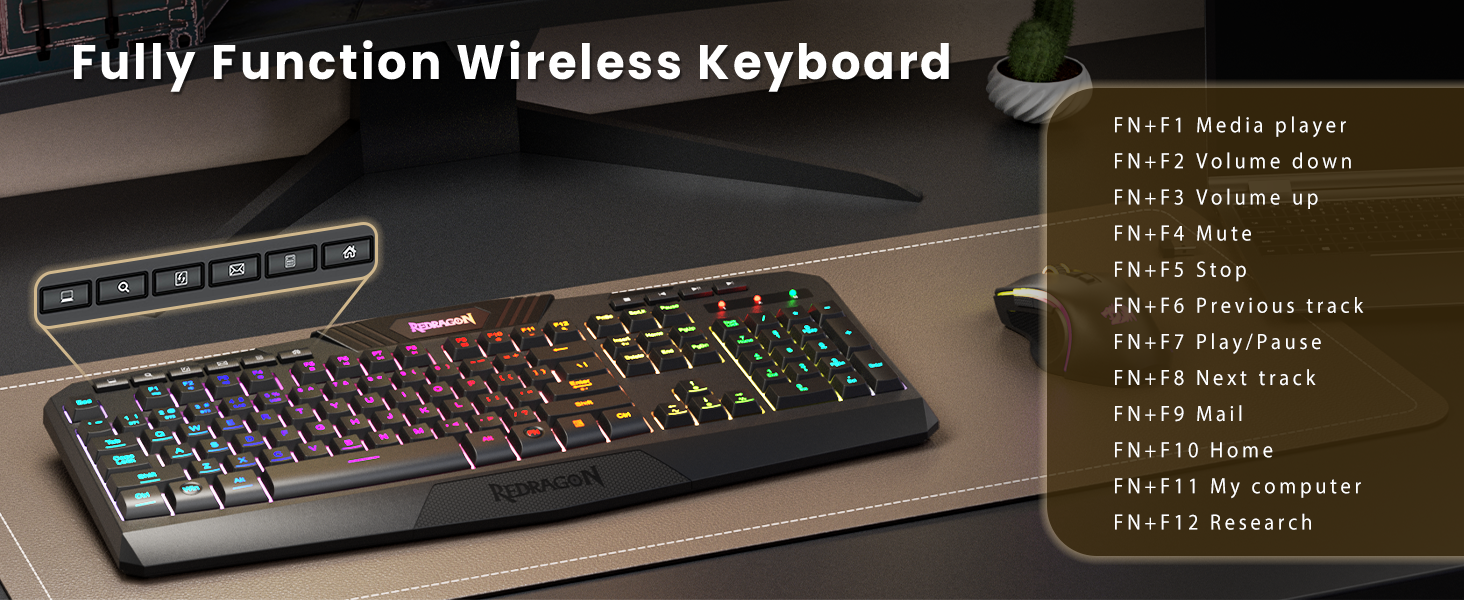
    2.4G - Insert the receiver and press and hold FN+4 (if automatic pairing does not occur)

    Bluetooth - Press and hold FN+1/2/3 and search for the device on your computer to connect

  • Switch the mode selector on the mouse's underside to the corresponding position

    2.4G - Mouse will automatically connect after inserting the receiver

    BT - Set the switch to BT mode, press and hold the “Pair BT” button for three seconds, then connect

  • The S101M-KS's 2.4G receiver is located in the slot on the back of the keyboard. This receiver is a dual-function receiver, allowing you to connect both the keyboard and mouse simultaneously in 2.4G mode


From the brand